Banking at Your Wrist
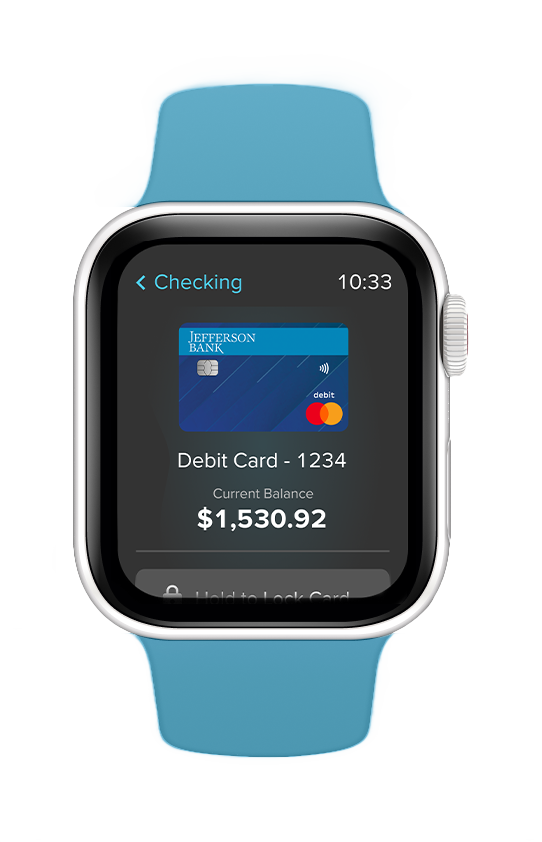
Your watch does more than tell time—it keeps you close to your money. With the Jefferson Bank Watch App, you can view balances, track spending, and instantly lock your debit or credit cards, all without picking up your phone. Secure, simple, and designed to move with you, your money is always just a glance away.

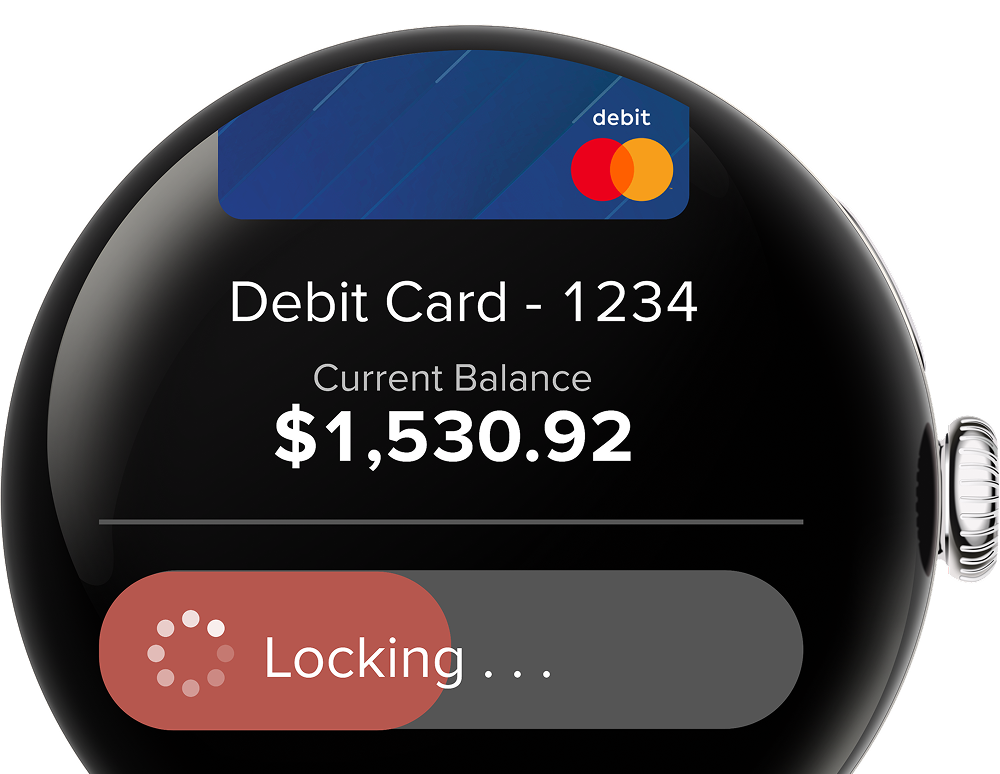
Lock your Card
Lost your card or just want extra security? Lock and unlock your Jefferson Bank debit or credit cards instantly from your watch, no need to reach for your phone.
See All Your Accounts

Monitor Your Spending

Get Started in 3 Easy Steps

Open the Mobile App
Make sure you have the latest version of the Central Bank mobile banking app installed.

Go to Watch Settings
Open the menu, tap Settings, then select Apple Watch (for iOS) or Android Watch (for Android).

Enable and Customize
Tap Turn On to enable the Watch App and select which accounts you want to display.
Is Your Watch Ready?
Our app works with a wide range of smartwatches. Let's start by finding out which watch you have.
What type of watch do you have?
To see if your Apple Watch works with our app:
- Make sure your watch is running OS 11 or later.
- Check that your iPhone is an Xs or newer with iOS 18. Once that's set, you're ready to go!
Check if your watch is compatible:
- Your watch must run Wear OS 11 or later (the operating system for most Samsung Galaxy, Google Pixel, and similar watches).
- If your watch is from Fitbit, Garmin, or another brand that doesn't use Wear OS, it won't work with the Watch app.
- To confirm your version: open your watch settings → About → Software Version.
FAQs
No. The Watch App is exclusively for Jefferson Bank customers. To get started, you’ll need a Jefferson Bank account and our Mobile Banking App.
Yes. The Watch App is view-only – apart from card lock/unlock, no transactions can be made. Account numbers are never displayed (only nicknames appear). To enable the app, you must first log in and authenticate through the Jefferson Bank Mobile App. The watch securely connects through your phone and won’t work if it is out of range.
You can manage your watch anytime under My Devices in the Mobile App or Online Banking. If you lose your watch, simply remove it from your devices to disable the app instantly.
No. Garmin and Fitbit use their own operating systems, so they aren’t compatible with our Watch App.